Modal resource
Description
The ModalResource module renders a form for editing an existing record inside a modal.
Format is similar to Resource module. Difference — Modal resource resource shows a form inside a modal without a page reload, Resource — is a separate page and requires page reloading.
Important moment — to open modal you required clicking a special trigger — ModalTogglerModule, which can be added as an action in ListModule
Relation managers also use ModalResourceModule for child edit. In that flow Adminix signs the parent relation context, injects the child foreign-key criterion server-side, and returns a controlled not-found JSON response when the child record does not belong to the parent.
ModalResource configuration
Place the modal and the list that opens it on the same page. The row action sends record:id as the modal's first parameter, and the modal resolves that server-side value as param:0.
Result: ResourceInputTypeEnum::BOOLEAN renders a switch in the modal edit form. When the modal loads data, Adminix treats stored true, 1, '1', 'true', and 'on' values as checked; when the modal saves, the browser request sends 1 for checked and 0 for unchecked, so Laravel boolean validation accepts both states.
Rendered example:
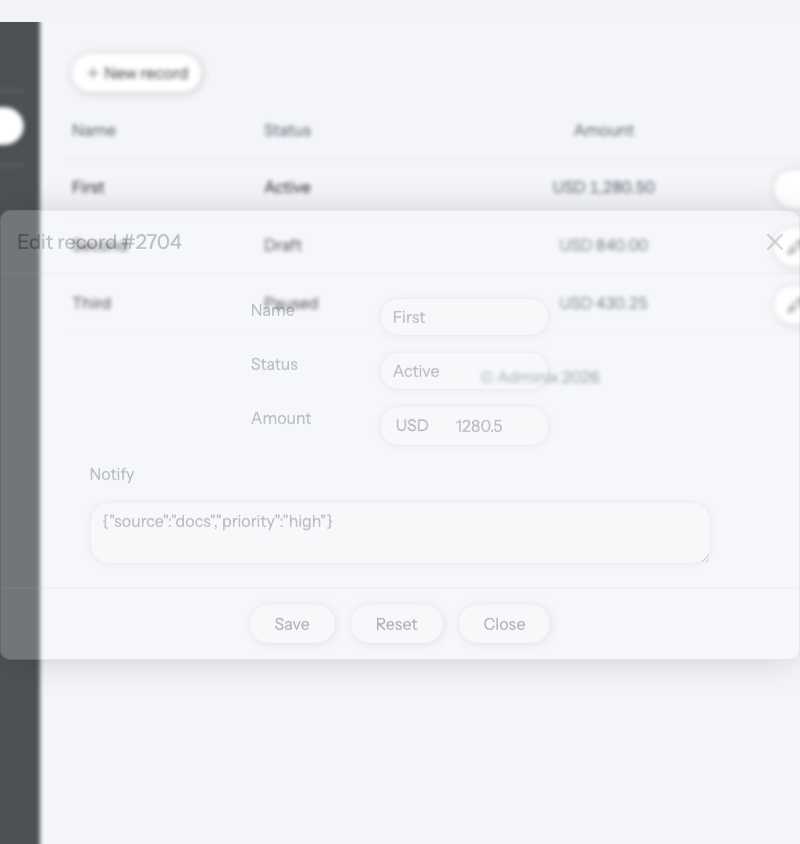
Modal edit forms also support ResourceField::upload(). File inputs are never filled programmatically by JavaScript; Adminix renders a separate current-file/current-image preview after fetch-data and submits multipart FormData through the modal API. Validation errors are returned as normal field errors, and boolean checkbox normalization remains compatible with upload fields in the same modal. See Resource for the full upload API and storage semantics.
ModalResource configuration methods
Method | Description | |
|---|---|---|
name | Name of module, must be unique in current page.
name('user')
| Required |
title | Title on the top of module
title('USER')
| Optional |
addProp addProps | An array of fields for properties in url to select the desired record from the database. For example: The url is - An argument can be only
->addProp(
ResourceProperty::key('id')->value('param:0')
)
or
->addProps(
ResourceProperty::key('id')->value('param:0'),
ResourceProperty::key('is_admin')->value(false),
)
| Optional |
dataSource | Source of the existing entity, can be an
dataSource(\App\Models\User::class)
or
dataSource('users')
| Required |
addField addFields | Methods by which you can add fields for the current Argument can be only
->addField(
ResourceField::name('Name')
->field('name')
->type(ResourceInputTypeEnum::STRING)
->required()
)
| Required |
addFieldValidation | Method by which you can add validation rules for a field in the current Format similar to native Laravel Validation feature. Details described below. #Validation
->addFieldValidation(
'name',
[
'string',
'required'
]
)
For updates, declare the same connection-neutral model rule, for example | Optional |
readonly | All fields become not editable, render not
readonly()
| Optional |
ModalTogglerModule configuration
ModalTogglerModule is added through ListModule::addActions() and points to the configured modal by name.
Fields
Fields is an array, of input fields to be rendered in the Form.
To add field to your ModalResource module you need paste AlexKudrya\Adminix\Modules\Resource\ResourceField class instance as an argument to addField or addFields method of ModalResourceModule object.
ResourceField::asyncSrc() is supported for modal edit SELECT fields. The modal keeps using server-side module configuration: after fetch-data sets the stored value, Adminix resolves the selected label through the async option endpoint, including signed relation context when the modal belongs to a relation manager.
ResourceField::upload() is supported for modal edit fields too. Use FILE for stored files and an IMAGE field with upload(...) for stored images; the modal preview is display-only and the file input stays empty until the user chooses a replacement.
ResourceField::password() is supported for modal edit fields. Fetching modal data never returns the stored password value, optional blank password submissions are ignored on update, and confirmed() uses Laravel-compatible field_confirmation naming. Use updateOnly() for password-change modals and immutable() when the value must not be changed after creation. See Resource for the full password contract and security notes.
Modal edit fields honor both the modal and update visibility contexts. Use hiddenOnModal() to remove a field from every modal form, or hiddenOnUpdate() when the field must be unavailable on all edit surfaces. Hidden-by-context fields are not rendered and are excluded from the modal API writable whitelist.
ResourceField configuration
Method | Description | |||||||||
|---|---|---|---|---|---|---|---|---|---|---|
name | Title of the libel displayed near to the input
'name' => 'Email',
| Required | ||||||||
type | Type of rendered input, can be provided only by Available types:
type(ResourceInputTypeEnum::EMAIL)
| Required | ||||||||
field | Name of field in database table where new record will be created.
field('role_id')
| Required | ||||||||
required | If enabled - field will be required for form submitting, and form wil not be submitted until this field wil not be filled. By default, is disabled.
required()
| Optional | ||||||||
src | Required for filed with type For example, Example:
ResourceField::name('Role')
->field('role_id')
->type(ResourceInputTypeEnum::SELECT)
->required()
->src(
InputSelectSrc::dataSource(Role::class)
->nameField('name')
->valueField('id')
),
| Optional | ||||||||
addSelectRecords | Required for fields with type Arguments can be only
ResourceField::name('Role')
->field('role_id')
->type(ResourceInputTypeEnum::SELECT)
->addSelectRecords(
SelectRecord::name('Admin')->value(1),
SelectRecord::name('Manager')->value(2),
SelectRecord::name('Seller')->value(3),
SelectRecord::name('Guest')->value(4),
)
| Optional | ||||||||
value | Used only for fields with type
value('some text')
Or you can paste parameter from route, if you provided it. For example
value('param:0')
| Optional | ||||||||
confirmed | Can be used only for fields with type Validation uses Laravel's
confirmed()
| Optional | ||||||||
addValidationRules | Adding validation rules for current field. Password confirmation uses Laravel's Format similar to Laravel native Validation feature. Details here Validation.
->addValidationRules(
'integer',
'required',
'exists:'. Role::class.',id'
),
| Optional |
Validation
An array of validation rules for form input data. Format similar to Laravel native Validation feature.
There are 3 ways to add validation rules to your ModalResource edit form:
Add rules to every
ResourceFieldpersonally, by usingaddValidationRules()methodAdd rules to every field by using
addFieldValidation()method ofModalResourceModuleobjectAdd all rules for add fields by using
validation()method ofModalResourceModuleobject
On modal update, Adminix automatically adds the current server-resolved primary value and primary key to every unique rule before Laravel validation runs. Keep the rule connection-neutral, for example 'unique:' . User::class . ',email'; do not build an ignore id from hidden input, query strings, or other browser-controlled values.
Way 1 example:
Way 2 example:
Way 3 example:
Appearance examples
Example: User id = 1 Record form for edition